event.spot Knowledge Base
How To Restrict Meetings To Allocated Time And Space?
Limit meeting bookings to specific time slots and locations assigned to users, ensuring better schedule and space management. Here's how you can do it
Interactive Guide: How To Restrict Meetings To Allocated Time and Space? new(Eshika)
Or check the step-by-step guide
1: Login to Eventspot Admin panel and go to Engagement > Networking > Meetings
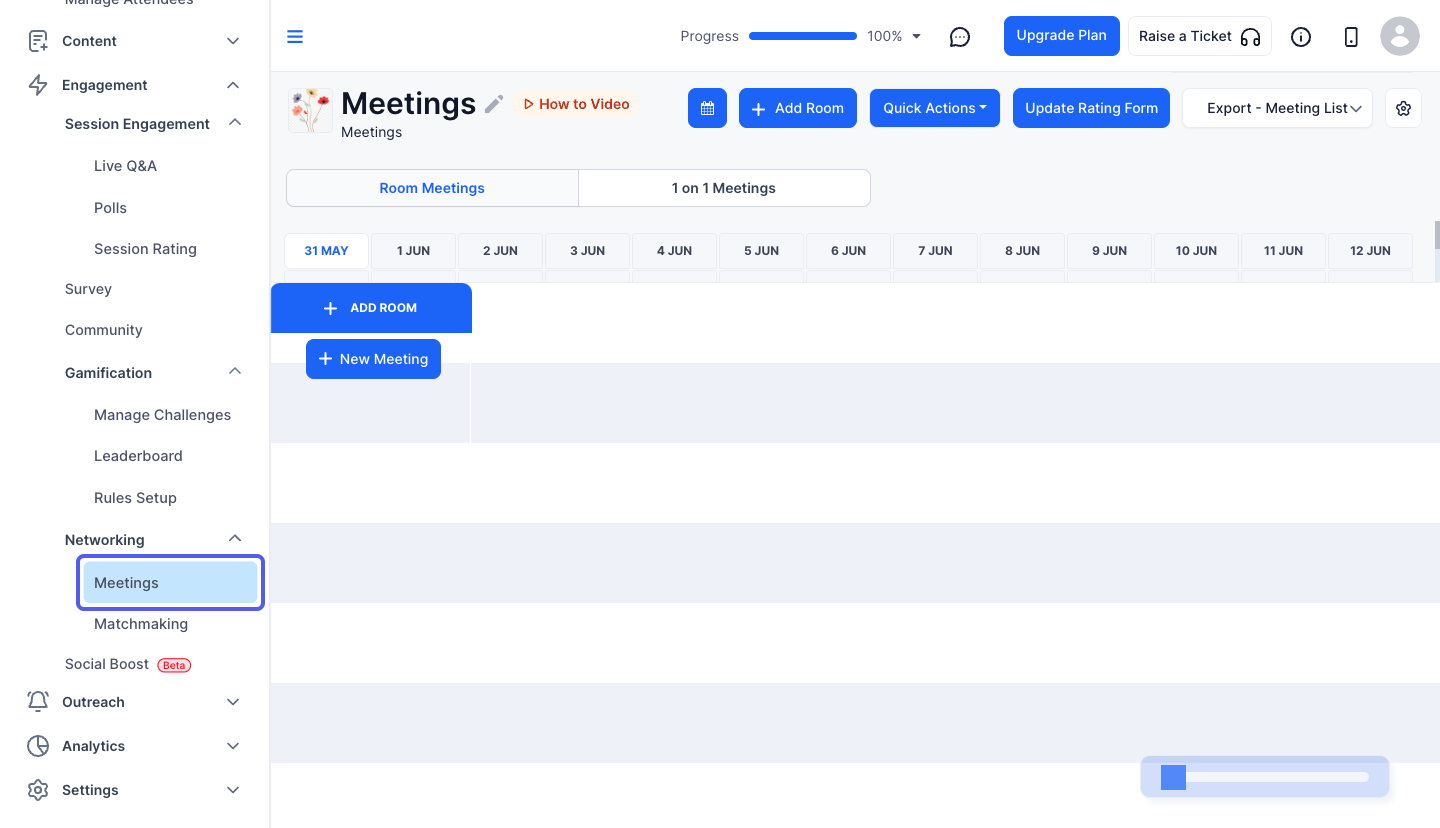
2: Click the "Settings" icon
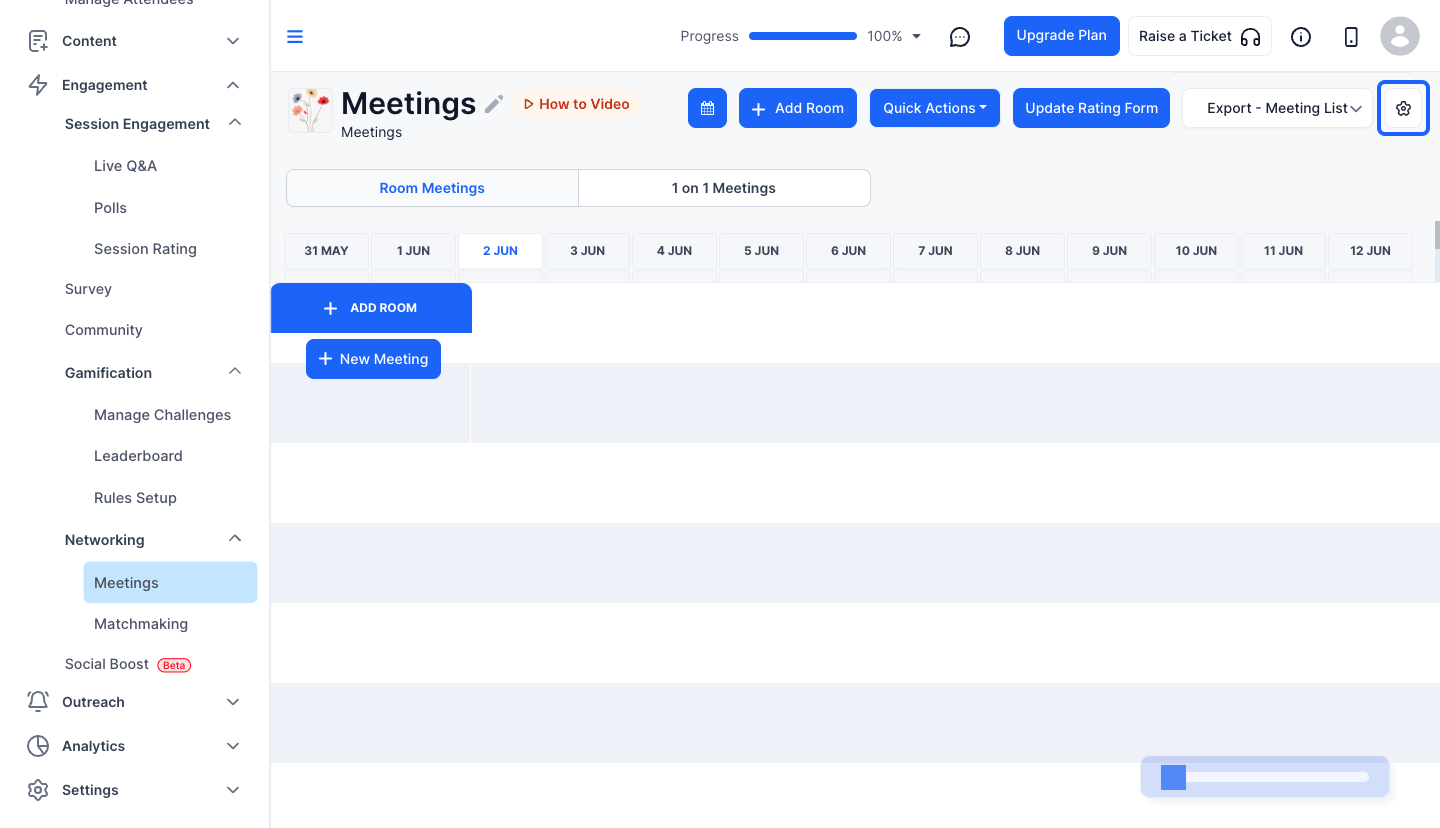
3: You can set the maximum meeting duration from here
Note: The minimum meeting duration is 10 minutes and the maximum is 4 hours

4: You can choose the meeting location preference from the dropdown
Either restrict it to rooms added in the meeting, allow attendees to enter the location manually, or enable both options.
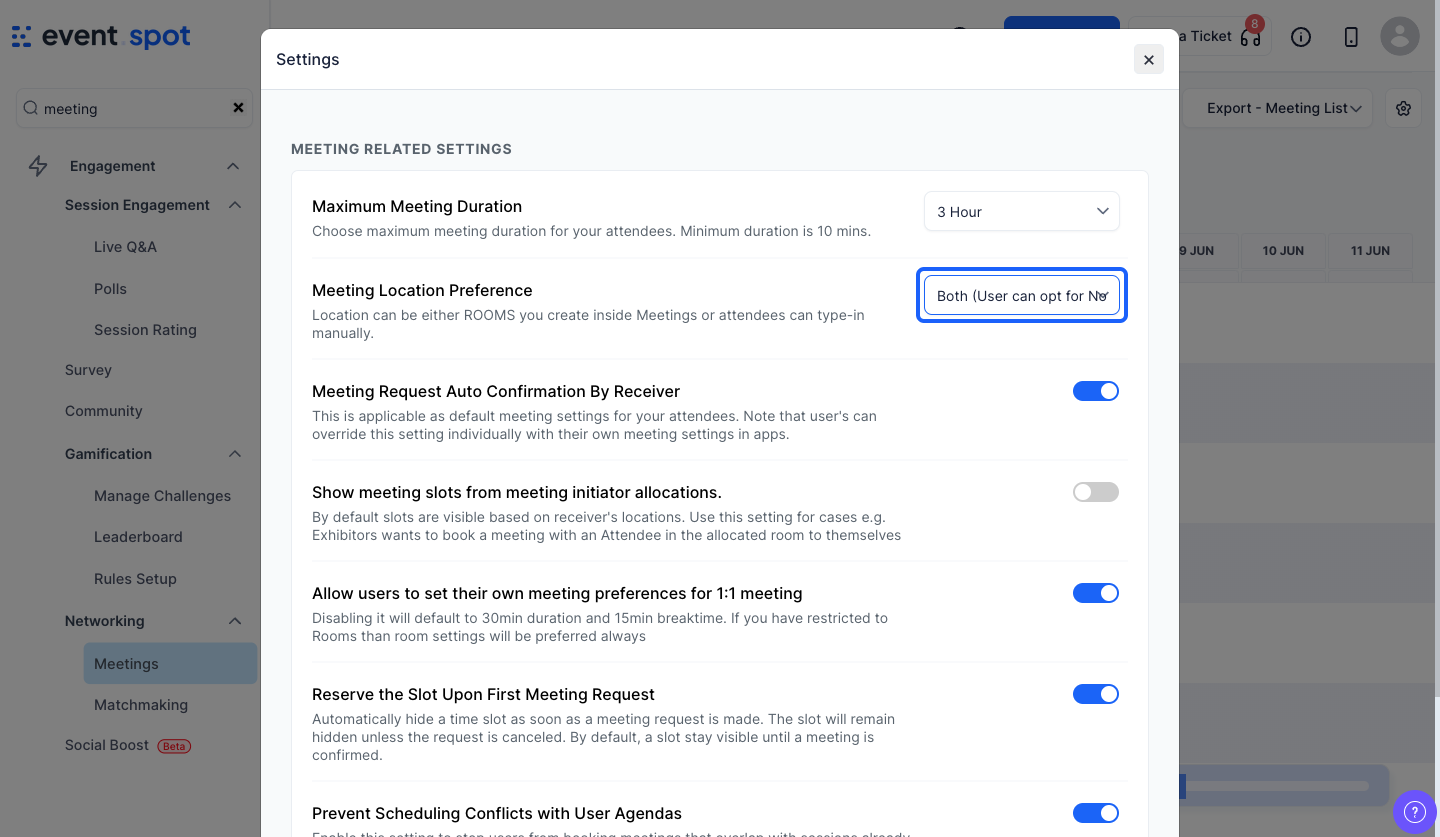
5: This setting if enabled, allows meeting slots to be displayed based on the initiator’s (sender’s) allocated room and schedule

