
Why Just Host Events When You Can Spark Educational Movements?
— With Eventspot, your educational events aren't just organized, they're legendary. Host with style, engage with ease, and inspire like never before!







Essential Elements Every Successful Educational Event Needs
Effortless Registration, Ticketing & Waitlists

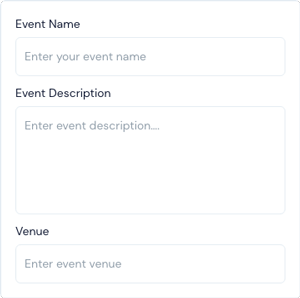
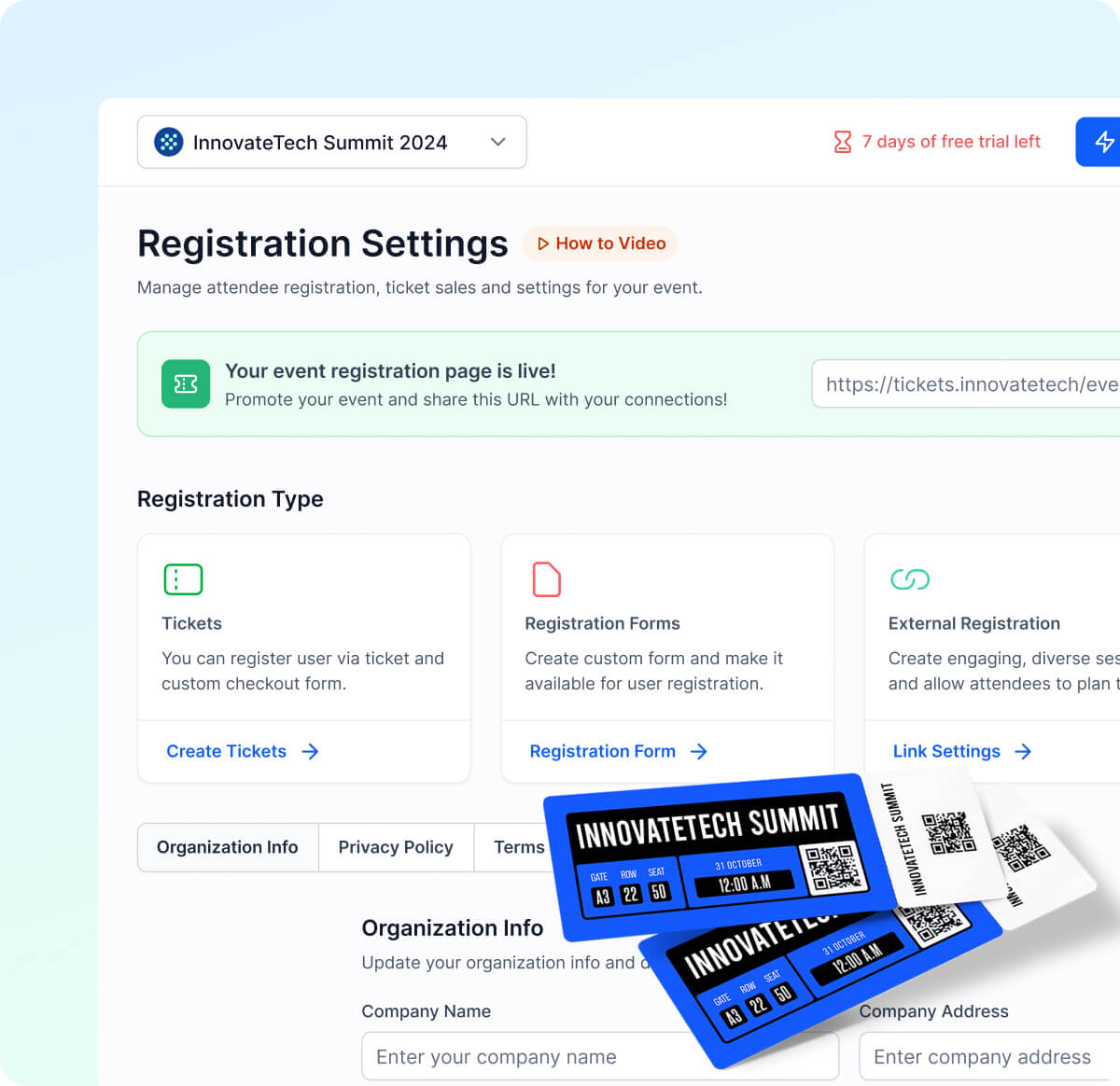
Create the perfect customizable registration form within minutes with an easy drag-and-drop feature
Tailor your ticketing pages with custom logos, colors, and a branded URL for easy event discoverability.
Automate promotional emails to keep your attendees informed and excited, no manual effort required.
Manage waitlists seamlessly, with instant notifications for attendees when spots become available.
Host Engaging Presentations and Sessions with Ease
Conduct webinars, research presentations, and workshops in live-streamed, recorded, or scheduled replay formats to fit every attendee's schedule.
Drive real-time participation with live polls, Q&As, breakout rooms, and group discussions that keep every session interactive.
Keep attendees on schedule using interactive mobile apps to manage agendas and streamline check-ins.

Built For Educational Organizations Of Every Kind
Join a global network of top-tier educational institutions shaping the future with streamlined event management solutions.





















Schedule & Agenda Integration
Engage Students, Teachers & Academics with Fun Gamification and Interactive Features
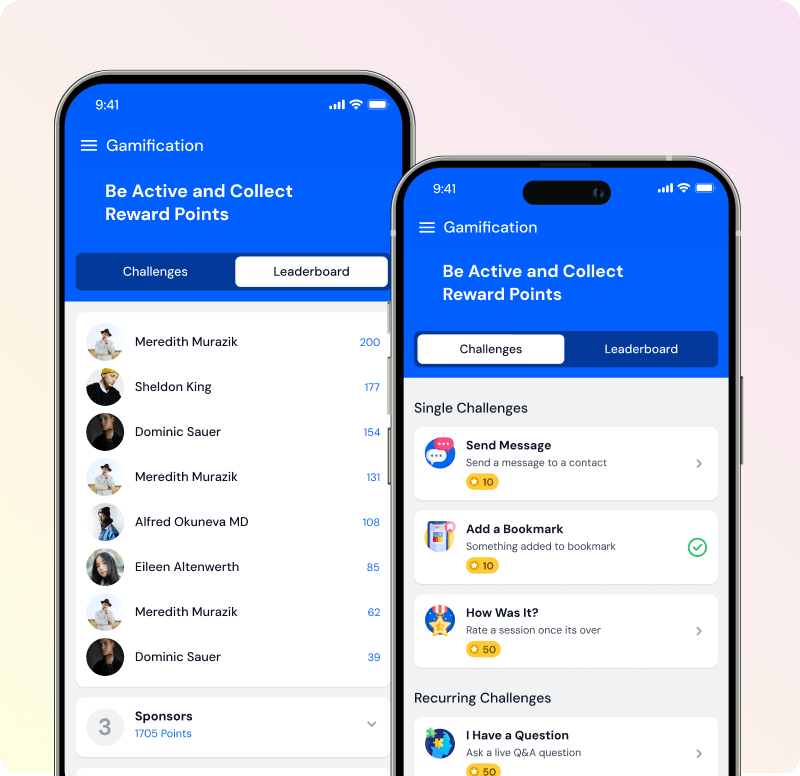
Gamify the experience with scavenger hunts, trivia, leaderboards, and social walls to boost engagement.
Increase interaction with live polls, quizzes, and post-session surveys.
Reward attendees with digital certificates for engagement and completion.
Facilitate small group interactions for meaningful networking and discussions.
Build Connections with Advanced Networking Tools
Enable private chats and group discussions for students, teachers, and academics to foster meaningful connections in virtual and hybrid environments.
Create specialized communities where groups can interact, share ideas, and collaborate.
Let attendees post, comment, and react to shared content to keep conversations going between sessions.
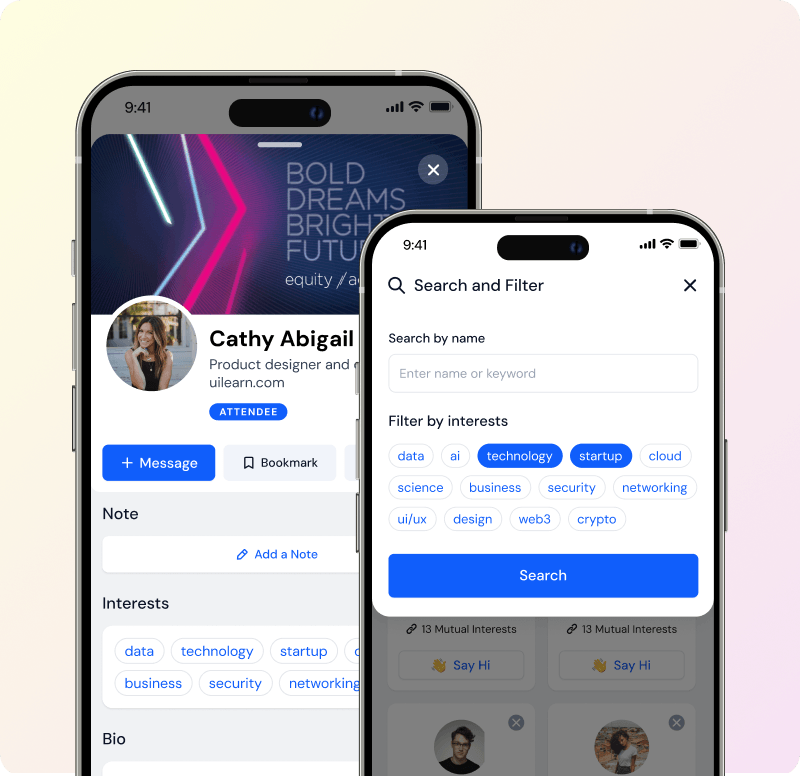
Use tag-based matchmaking to suggest connections based on interests, making networking more meaningful and relevant.
Allow onsite attendees to easily swap contact information using QR codes on their badges for faster networking.
Let attendees book one-on-one appointments with recruiters, faculty, or event speakers directly through the platform.
Schedule & Agenda Integration
Track Performance with Real-Time Analytics & Insights
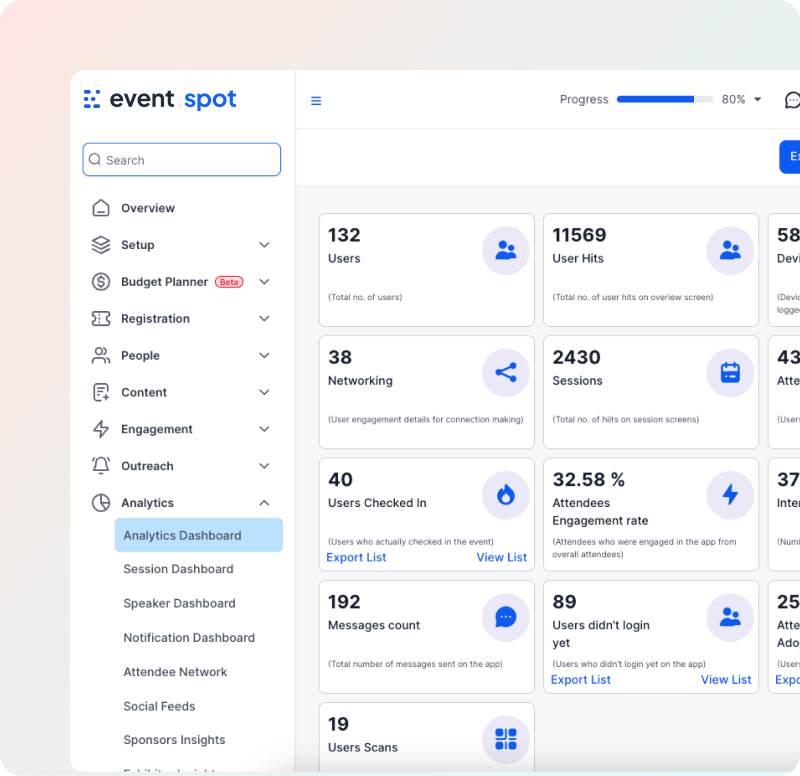
Monitor every attendee interaction, from downloads to session visits, and refine your strategy instantly.
Access real-time user journey reports, session attendance, and engagement metrics through live dashboards.
Share detailed post-event reports with sponsors and teams to measure ROI and optimize future events.
Use in-depth analytics to make smarter, faster decisions for every event that follows.
Still Not Convinced?
Don't just take our word for it. Try it yourself.
Book a demo and see exactly how Eventspot handles events like yours, start to finish. No commitment required.
Request a Demo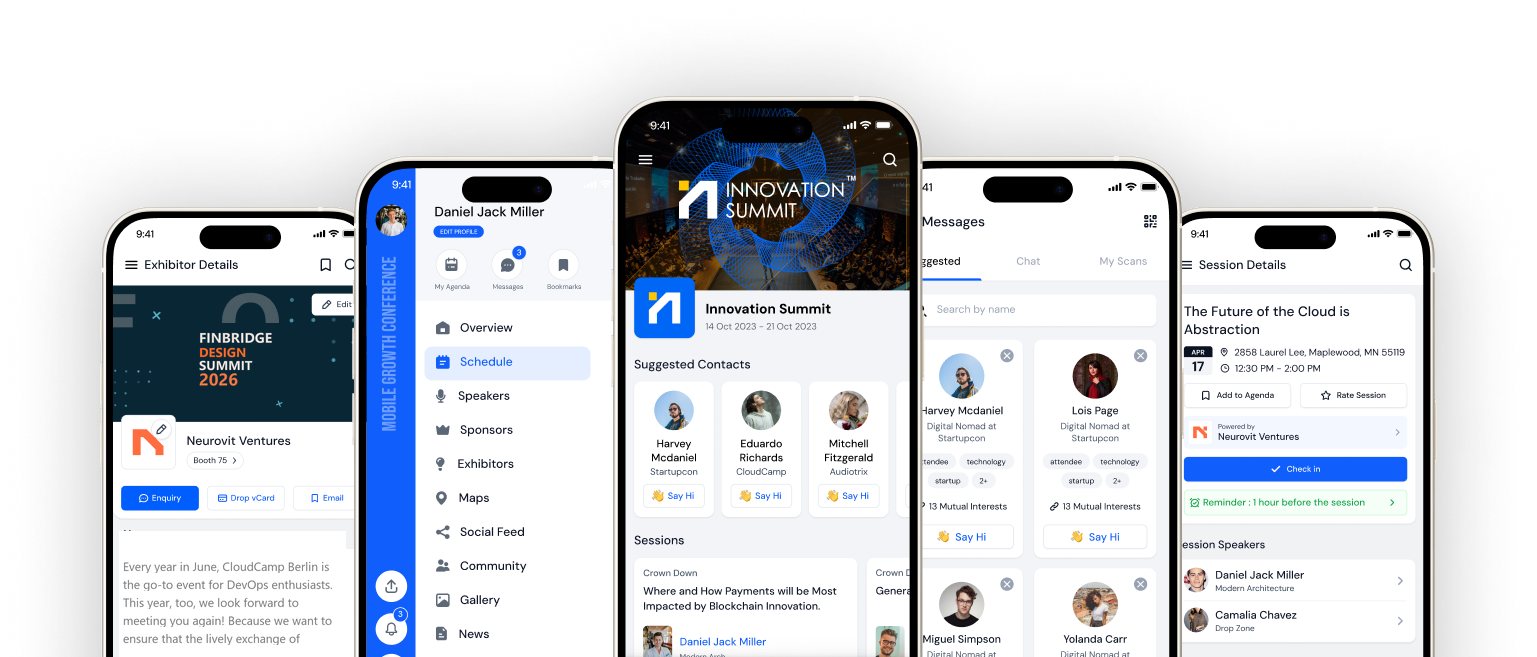
Frequently Asked Questions
We have never used an event management platform before. Is Eventspot difficult to get started with?
Not at all. Eventspot is built so that anyone on your team can get an event live without training or technical knowledge. You can set up your registration page, sessions, and communications in a single afternoon.
How long does it take to set up an educational event from scratch on Eventspot?
Most event coordinators have their event page live within a few hours. The drag-and-drop form builder, ready-made templates, and guided setup mean you spend your time on the event itself, not the software.
Can students register as a group or as part of a faculty batch?
Yes. Eventspot supports bulk registration so student groups, faculty cohorts, and departmental teams can all sign up together in one go, without each person having to fill in a separate form.
What happens when registrations exceed the number of available seats?
Eventspot automatically moves overflow registrations to a waitlist and notifies students the moment a spot opens up. You stay in control of capacity without any manual tracking.
Can we run an in-person and online version of the same event simultaneously?
Yes. Eventspot is built for hybrid events. Physical attendees can check in on-site while virtual attendees join live sessions, participate in polls, and network through the same platform at the same time.
Do students need to download an app to attend a virtual session or conference?
No download is required for virtual attendance. Students can join directly through their browser. For in-person events, the Eventspot mobile app makes check-in, agenda tracking, and networking seamless.
Can we customize the registration and ticketing pages with our institution's branding?
Completely. You can add your logo, apply your institution's colors, set a custom event URL, and make every attendee touchpoint look like it came from your team, not a third-party tool.
How do we keep students and academics engaged during long conferences or all-day events?
Eventspot includes live polls, Q&A sessions, breakout rooms, leaderboards, scavenger hunts, and social walls. You can activate these at any point during your event to bring energy back into the room.
What kind of reports and data do we get after the event is over?
You get detailed post-event analytics covering attendance, session engagement, check-in rates, and audience behavior. These reports are ready to share with faculty, sponsors, or institutional leadership without any extra work on your end.
Can we create different ticket types, for example one for students and a separate one for faculty or external guests?
Yes. You can create as many ticket types as you need, each with its own pricing, access level, and registration fields. Free, paid, and invite-only tiers can all run under the same event.
What if we need to cancel or reschedule our event at short notice?
Eventspot lets you send automated notifications to all registered attendees instantly. You can update event details, reschedule sessions, and communicate changes to your entire audience in minutes without individual outreach.
Is our attendee data safe and does Eventspot meet data privacy requirements?
Yes. Eventspot is built for educational organizations of every size. Attendee data is stored securely and the platform is designed to support institutional compliance requirements around data privacy.
See How Eventspot Elevates Every Event
We are committed to making your event a success.
Complete the form to request a demo & we will show you why event teams are choosing Eventspot.
Flexible plans with transparent pricing.
Complete the form to request a demo & we will show you why event teams are choosing Eventspot.
Flexible plans with transparent pricing.
Request A Free Trial
Thank you! Your submission has been received!
Oops! Something went wrong while submitting the form.

Free Demo
Request a Demo
Please fill out the form below to request a demo. Our team will be in touch with you shortly to schedule a personalized demo.
Request a Demo
Tell us a bit about your event and our team will reach out to schedule your personalized demo.
Thank you! Your submission has been received!
Oops! Something went wrong while submitting the form.
