
Communities That Spark Connections
Meaningful Connections

A community for your events. This is where all of the comments, communications, photos, and social interactions will be visible to the entire community.
Customize

Customize your own
‍Community

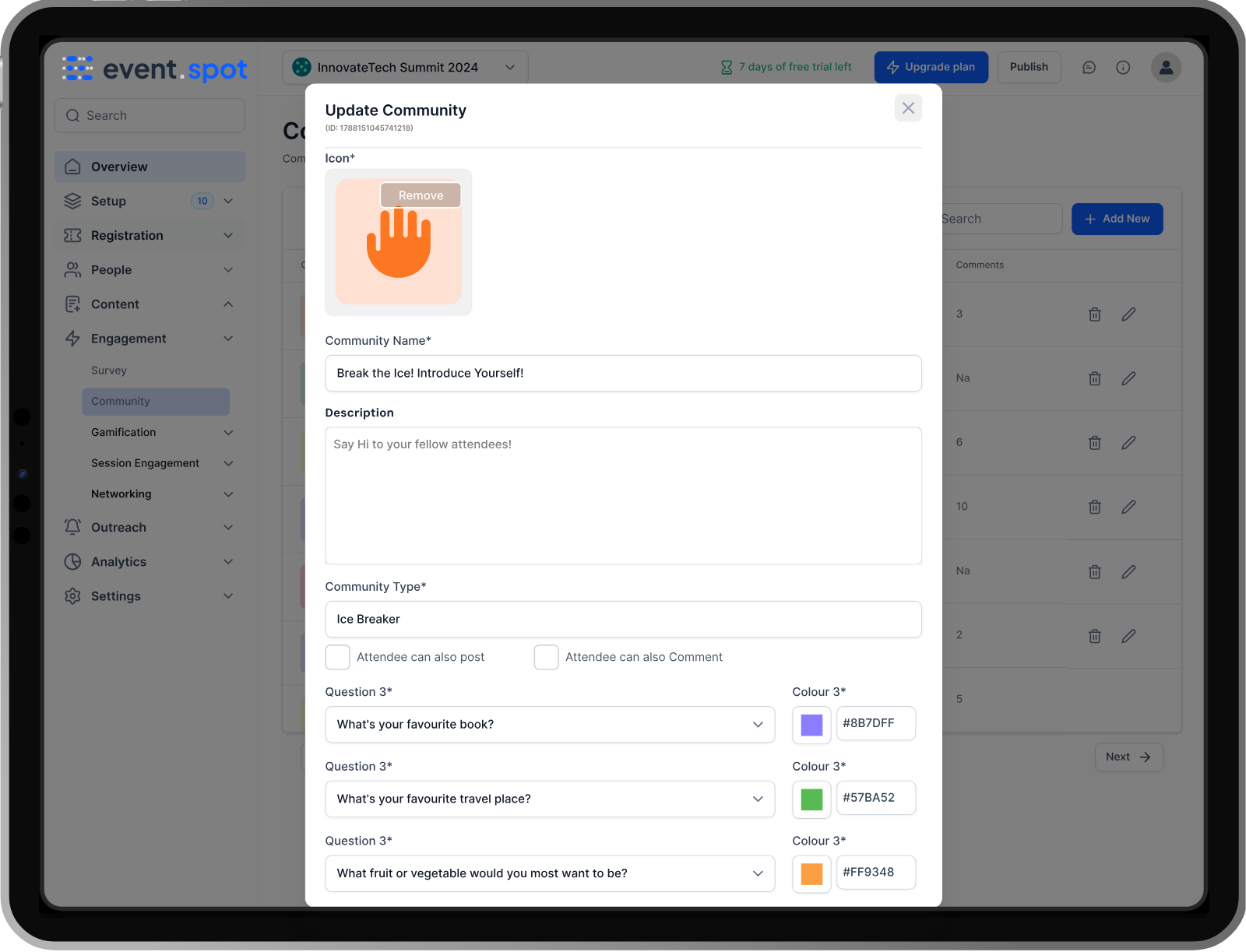
The host can customize the community sections from the admin panel. Attendees can open Community in their mobile event app and take part in each of the different discussion groups.
connections

Make new connections

Eventspot's built-in communities make it simple for attendees to make new connections. Most attendees come to an event intending to interact, grow their networks, and make new connections.
Two smartphones showing a social media app; one screen is creating a post with an image, the other shows a social feed post featuring a group photo and supportive community message.
Engagement

Promote Attendee
‍
Engagement

Promote attendee engagement with event networking features and tools that support attendee interaction. Whether your event is in person, virtual, or hybrid, Eventspot is designed to create the best event experience.
Two smartphones showing an event app with forum topics like 'Break the Ice!' and announcements including posts from Leslie Snyder, Seth Matthews, and Sally Palmer about event updates and volunteer requests.
Relations

Build Lasting Relations

Enable your attendees to build lasting relationships that make them want to attend your other events as well. Let your community share content with attachments and links. Give your attendees the opportunity to stay connected through meaningful connections, deep conversations, and better networking.

Frequently Asked Questions

What is Eventspot’s Community Builder?
Eventspot’s Community Builder gives organizers the option to create and customize communities. Attendees can access these communities using Eventspot’s event app and engage in conversations and share ideas with each other.
What kind of communities can organizers create using this feature?
Organizers can create any type of community using Eventspot's Community Builder feature. Popular community types include ‘Meetups’, ‘Jobs’, ‘Ice Breakers’, and ‘Post’. Each serves a unique purpose and meets specific attendee needs.
What tools are included in Eventspot’s Community Builder (forums, messaging, interest groups, etc.)?
Community Builder offers the option to create discussion forums or interest groups where attendees can post pictures and comment on discussion threads.
Can attendees create or join topic-specific groups?
While only admins can create community groups, attendees can join topic-specific groups - if the community is public. If it's a private group then attendees can send requests to join the group.
Does the Community Builder support content sharing (videos, documents, links)?
Yes, the community builder feature supports sharing of videos, documents and links. It’s akin to a digital repository of the entire event experience.
Can organizers moderate discussions and control visibility or access levels?
Yes, organizers can moderate the content in the ‘Content Moderation’ section in Eventspot’s community builder dashboard.
How does the Community Builder help extend the life of an event beyond its end date?
The Community Builder is a digital repository of attendees' memories and experiences of the event. Attendees use these forums to discuss ideas, share pictures and videos and chat with each other. This ensures that the lifespan of the event continues even after the event has ended.
How does it boost engagement among attendees, sponsors, and speakers?
The Community Builder fosters human connection where attendees, sponsors and speakers can all communicate with each other about different aspects of the event. The experiences shared in these forums by all members make it a space of community and bonding.
What’s the impact of a strong event community on brand perception and repeat attendance?
When attendees meet and interact with like-minded folks and feel a sense of community with each other, they are likely to show up for more events. This implies that your brand has a positive culture and attitude.
What challenges does Eventspot’s Community Builder solve for organizers looking to maintain year-round engagement?
The major challenge of losing connection with attendees after an event is easily overcome with the help of Eventspot’s Community Builder. The communities created by organizers continue to keep the event relevant and alive.
Features

Explore Our Most
Popular Features

Icon representing add or new item button
Learn more
Ticket icon representing event ticketing

Registration & Ticketing

Sell tickets online & manage user registration
Icon representing add or new item button
Learn more
Speech bubble icon representing messaging feature

Chat & Meetings

1-1 messaging and meetings to increase attendee engagement
Icon representing add or new item button
Learn more
Calendar icon representing event schedule

Schedule

Event tracks & sessions as per date and time in one place
Icon representing add or new item button
Learn more
User icon representing registration feature

Matchmaking

All-in-one B2B matchmaking for your attendees
Icon representing add or new item button
Learn more
Share icon representing social sharing feature

Social Feed

Private social network feed for your event
Icon representing add or new item button
Learn more
Multiple people icon representing community section

Community Forum

Forum or group messaging on predefined topics
Icon representing add or new item button
Learn more
Bar chart icon representing analytics dashboard

Poll & Live Q&A

Create interactive polls and Q&A on live sessions
Icon representing add or new item button
Learn more
Microphone icon representing speakers feature

Speaker Profile

Speaker’s detailed information for sessions
Icon representing add or new item button
Learn more
Newspaper icon representing news section

Event News

A news section for event-related news & announcements
Icon representing add or new item button
Learn more
Info icon representing event guide section

Event Guide

Create your own event help and support guidebook
Icon representing add or new item button
Learn more
Image icon representing photo gallery

Gallery

Event photo gallery by host or attendees
Icon representing add or new item button
Learn more
Storefront icon representing exhibitor booths

Product Showcase

Comprehensive exhibitor and sponsor page
Icon representing add or new item button
Learn more
Crown icon representing sponsors section

Sponsored Ads

Built-in ads to promote sponsors & exhibitors
Icon representing add or new item button
Learn more
Checkmark icon representing survey feedback

Lead Scanning

Scan and export leads and contacts in one place
Icon representing add or new item button
Learn more
Map icon representing interactive venue maps

Interactive Maps

Tappable interactive booth and floor maps
Icon representing add or new item button
Learn more
Bell icon representing outreach notifications

Push Notification

Send instant push notifications to attendee app
Icon representing add or new item button
Learn more
Trophy icon representing gamification features

Custom Branding

Customize & design your very own branded event app within minutes
Icon representing add or new item button
Learn more
Calendar icon representing event schedule

Session Rating

Get session rating and feedback from attendees
Icon representing add or new item button
Learn more
Bar chart icon representing poll or voting features

Survey

Build your own surveys to get feedback about the event
Icon representing add or new item button
Learn more
Bell icon representing outreach notifications

Email Notifications

Send instant email notifications to your attendees
Icon representing add or new item button
Learn more
Newspaper icon representing news section

Dynamic Form Builder

Drag & drop form builder for checkout forms, surveys & profiles
Icon representing add or new item button
Learn more
Calendar icon representing event schedule

Schedule

Event tracks & sessions as per date and time in one place
Icon representing add or new item button
Learn more
Info icon representing event guide section

Event Guide

Create your own event help and support guidebook
Icon representing add or new item button
Learn more
Checkmark icon representing survey feedback

Email Designer

Drag and Drop custom email template designer
Icon representing add or new item button
Learn more
Bar chart icon representing analytics dashboard

Analytics Dashboard

Get real-time insights on your event on multiple fronts
Icon representing add or new item button
Learn more
Multiple people icon representing community section

Community Forum

Forum or group messaging on predefined topics
Icon representing add or new item button
Learn more
Speech bubble icon representing messaging feature

Chat & Meetings

1-1 messaging and meetings to increase attendee engagement
Icon representing add or new item button
Learn more
Ticket icon representing event ticketing

Registration & Ticketing

Sell tickets online & manage user registration

See How Eventspot Elevates Every Event

We are committed to making your event a success.

Complete the form to request a demo & we will show you why event teams are choosing Eventspot.
Flexible plans with transparent pricing.

Request A Free Trial

@
Features Interested in (Choose All That Apply):*
Thank you! Your submission has been received!
Oops! Something went wrong while submitting the form.
Monitor icon
Free Demo