
More than a scanner. A full registration desk in your pocket.
Event check-in software is the tool your team uses at the door. It looks up attendees against the registration list, marks them present, prints a badge if you want one, and lets them into sessions or restricted zones. It runs as an app on phones, tablets and self-service kiosks. Every scan writes to the same live attendee list, so headcounts, no-shows and walk-ins stay in sync across every entrance.
Eventspot pulls QR scanning, self-service kiosk check-in, on-demand event badge printing, walk-in registration, session-level attendee tracking and offline mode into one app. The same workflow handles a small workshop and a 10,000-person expo. It plugs into your event registration software, the mobile event app attendees already have on their phone, and exhibitor lead capture once the badge is on.
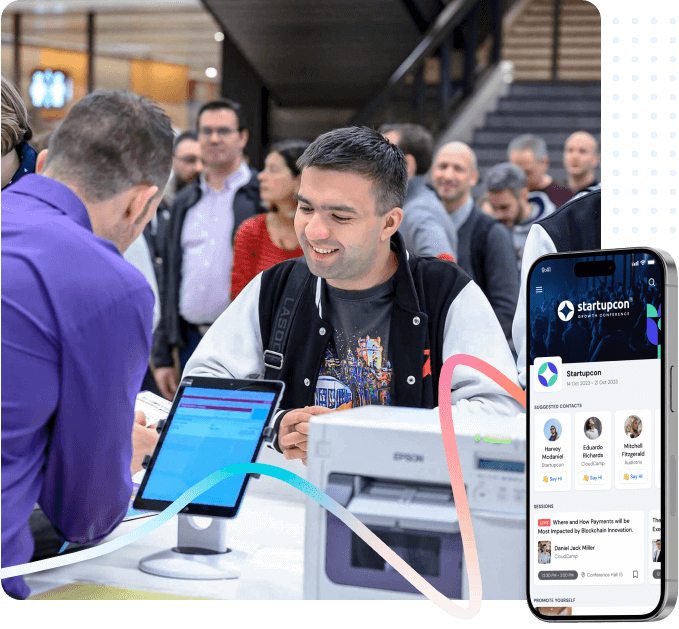
Everything the door team needs in one mobile event check-in app.
One app on phone, tablet and kiosk. One attendee list. No proprietary hardware required.
QR code scanning
Staff scan attendee QR codes on phones, tablets or laptops. Most check-ins land in 3 to 5 seconds with a confirmation flash on the device.
Self-service iPad kiosks
Set up as many iPad kiosks as you need. Attendees scan their own QR code or search by name and email. The badge prints automatically, so the door never bottlenecks on staff.
On-demand badge printing
Direct integration with Zebra, Brother and Epson direct-thermal printers. Badges print on scan with attendee name, company, role, ticket type and sponsor logos. See our guide to designing the perfect event badge and the badge printing software overview.
Walk-in registration
Add unapproved guests on the spot, assign a ticket type and print a badge in under a minute, without disrupting the rest of the flow.
Session-level check-in
Scan badges at room entrances to track session attendance for CPD credits, sponsor reporting and capacity control. Pairs with event attendee tracking software. For the methods and tools landscape, read our deep dive on conference attendee tracking.
Offline check-in mode
Attendee list caches on the device before doors open. Scans and badge prints continue if the venue Wi-Fi drops, then sync automatically when connectivity returns.
Multi-entrance and multi-event
Unlimited scanning stations across any number of doors, with one live attendee list. Run multiple conferences from one organiser dashboard.
Live arrival analytics
Real-time arrival curves, no-show segments and session attendance counts. Export to CSV or push to sponsor and CRM reports after the event.
Role-based staff access
Granular permissions for volunteers, registration staff, leads and event managers. Audit logs record every scan, edit and badge re-print.
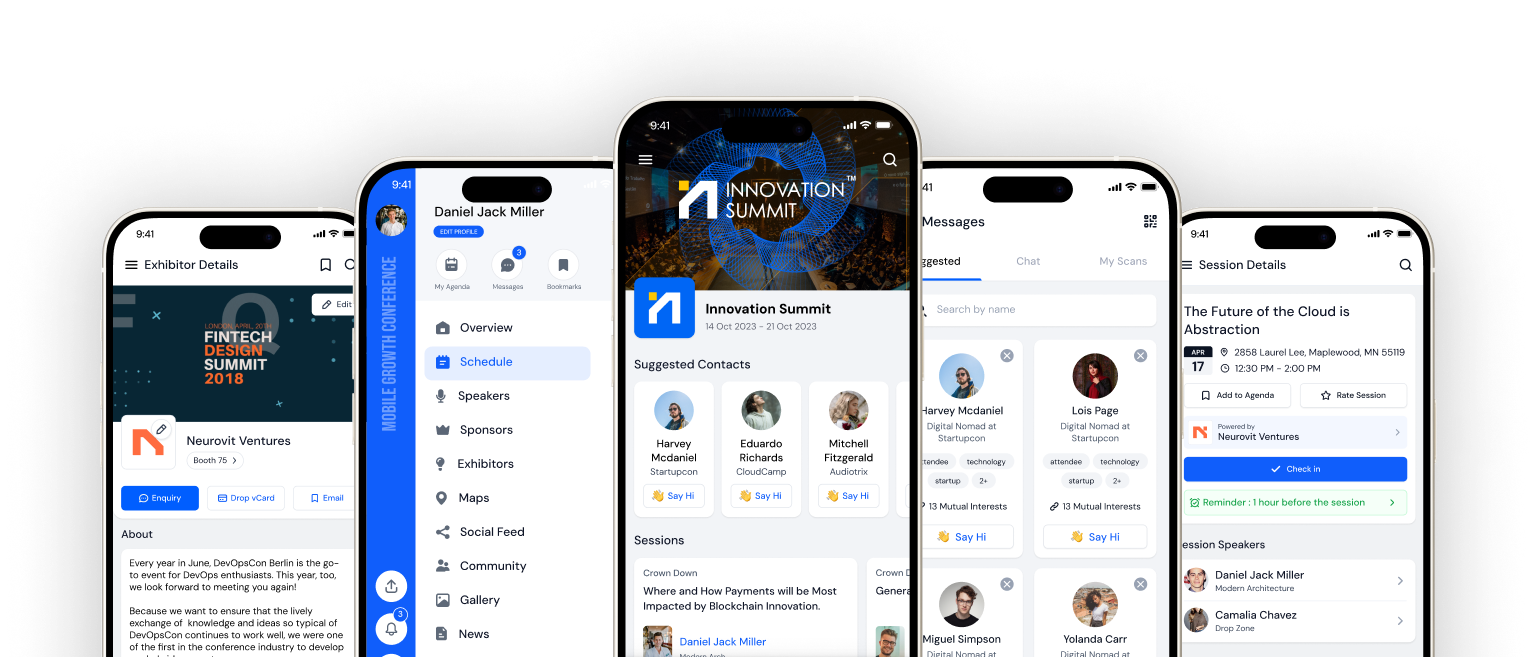
Every scan, every entrance, on one live dashboard.
Watch arrivals roll in as they happen. Filter by ticket type, session or entrance. Drop into any attendee's record to re-print a badge, mark them checked out or pull their session attendance. Export the whole list to CSV in two clicks for sponsor reports and finance reconciliation.
See the dashboard liveConference check-in software, configured for every event type.

Conferences and summits
Manage VIP, speaker, sponsor and general-admission ticket types in one flow. Track session-level attendance for keynotes, breakouts and workshops.
- Per-track session check-in
- Speaker green-room badges
- CPD / accreditation reports
- Day-2 and day-3 re-entry tracking

Expos and trade shows
High-volume arrivals, large exhibitor halls and complex booth-level lead capture all run from the same attendee record.
- Mass arrival handling with multi-kiosk lanes
- Exhibitor and visitor badge differentiation
- Booth-side lead retrieval tied to check-in (also see our 10 tools that actually work on the show floor)
- Real-time floor-traffic analytics

Corporate and internal events
Town halls, sales kickoffs, hackathons, training sessions and customer summits all run on the same registration desk software. Just different branding.
- SSO-linked attendee imports
- Department and ticket-type badges
- Catering and break-out room headcounts
- Custom mobile event app for the day

Associations, universities and government
AGMs, member events, university orientations and public-sector summits with strict attendance reporting and accessibility requirements.
- Voting-eligibility verification on scan
- Member tier and student-card recognition
- Accessible self-service kiosk mode
- Audit-ready attendance exports
See How Eventspot Elevates Every Event
Complete the form to request a demo & we will show you why event teams are choosing Eventspot.
Flexible plans with transparent pricing.

